
Table of Contents
Turn on the Sound System #
Turn on the sound system using the red switch to the left of the desk. This will turn on the church sound system and the Router
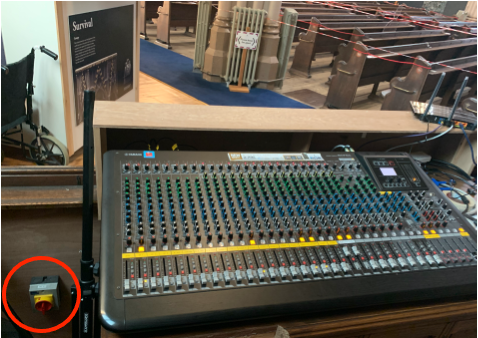
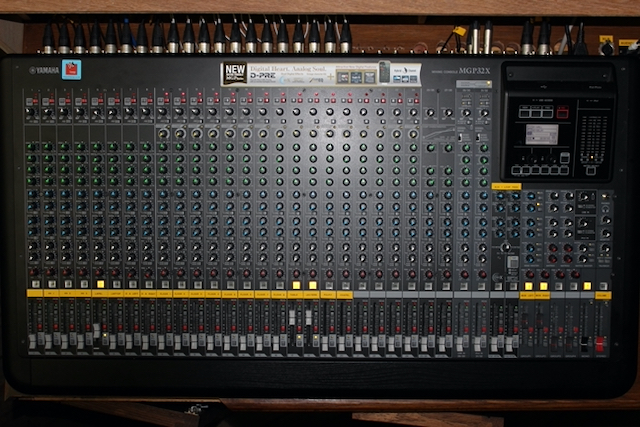
- Ensure the following lights are selected as shown below
- MON LEFT and MON RIGHT – ON (AFL NOT pressed)
- MONO (main Black slider) – ON with slider at 0
- Table and Lectern – ON with AFL Pressed and on
- Lapel – ON : Note AFL should only be pressed and on when the user is speaking
Turn on the Computer #
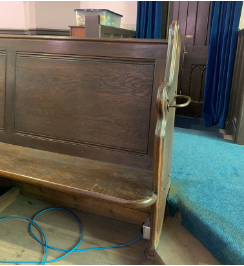
In the Balcony turn on the power to the computer at the plug under the pew at the top of the North stairs
Turn on the Computer and enter the password

Once the computer is booted up load OBS Studio

Load PTZ Optics Control Panel
The System is now powered up and ready.