
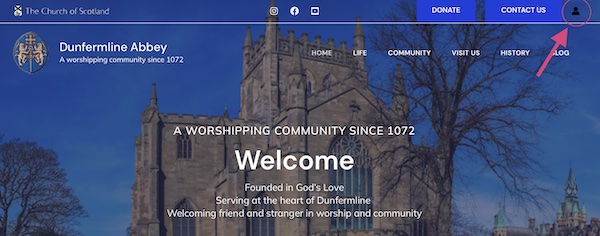
Log into the Admin side by clicking the icon at the top right of the home page and entering your log on details
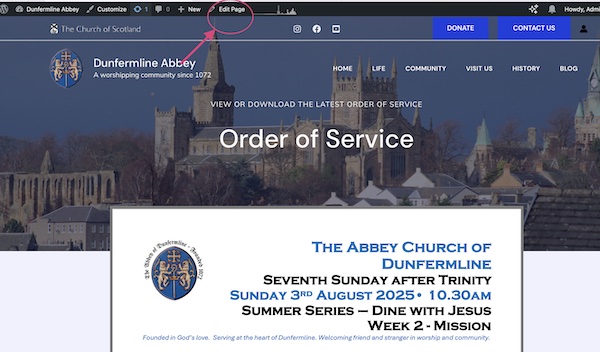
Navigate to the Order of Service Page at https://dunfermlineabbey.com/oos
Click the Edit Page Icon at the top of the page
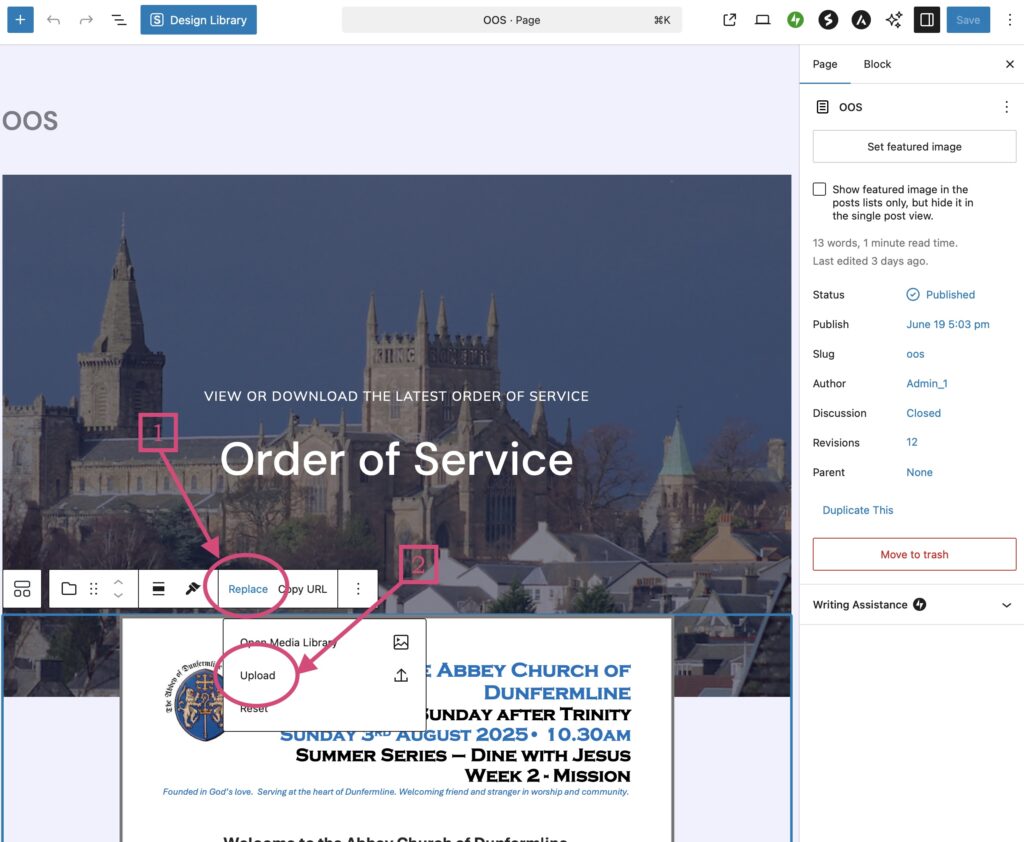
Click anywhere in the existing pdf
- Click Replace
- Click Upload
Navigate to the document in the file finder window
Select the Order of Service PDF and then click the UPLOAD button
Hit the SAVE button on the top right of the page
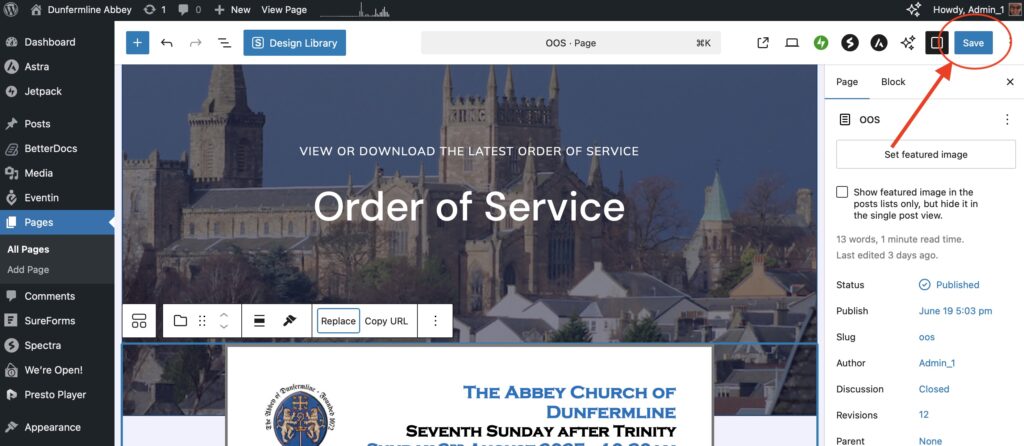
The Order of Service is now updated
Note that if you are viewing on a iPad or phone you will not see the preview of the OOS – You will only be able to Download it